How I Gave the Claude App Access to My Self-Hosted Second Brain
I gave the Claude phone app access to my self-hosted memory — a remote MCP server over Tailscale Funnel, OAuth and Qdrant, running on a solar-powered PC at home.
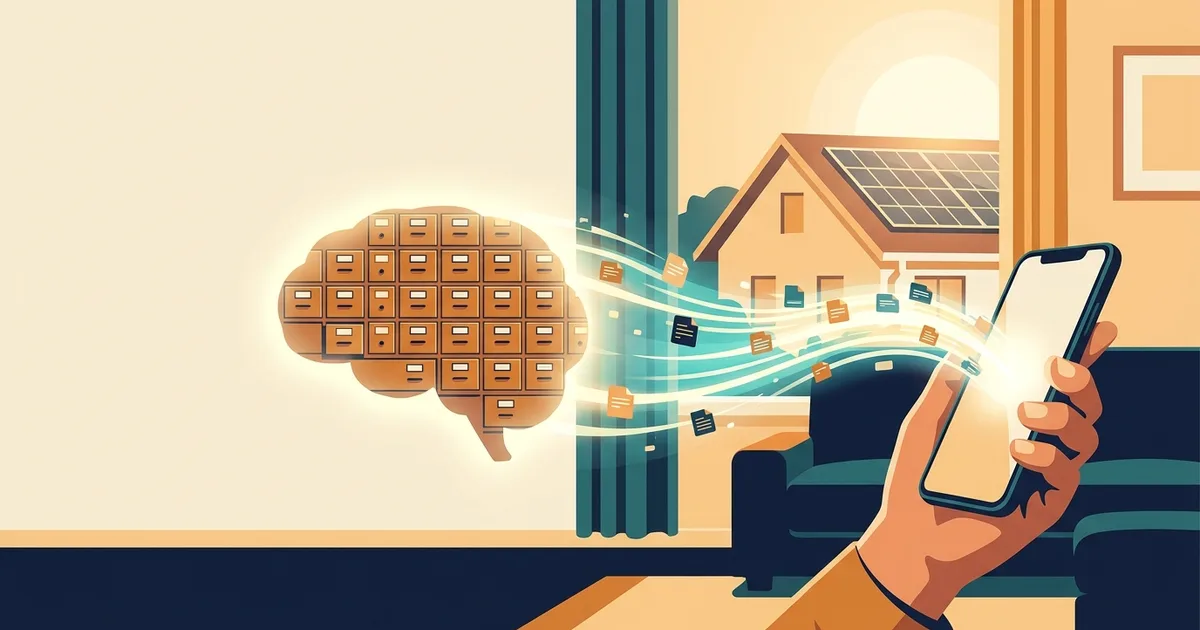
Recently I set up something I'd wanted for a while: a shared memory for my AI agents.
Not the built-in chat memory — a real one. A self-hosted MCP server I call my Memory Palace: hundreds of little "drawers" of durable facts about my apps, my infrastructure, my decisions, my life. And it isn't tied to one tool — I wired it into every coding agent I use: Claude Code, Codex, Cursor, the lot. Whatever I'm working with reads from and writes to the same palace. It knows when I shipped a feature, why I picked a price, which kernel tweak fixed my desktop.
There was just one gap. It only existed where those agents ran — on my desktop. On my phone, in the Claude app, Claude was an amnesiac stranger again.
This is the story of fixing that — one afternoon, too much coffee, two dead ends that each made me feel briefly stupid, and one decision that turned out to be much bigger than "phone access." If you self-host anything, I think you'll find it plausible for yourself.
The constraint that shapes everything
My first instinct was naive: "the phone is on my Tailscale network, so it can reach my desktop directly." Wrong.
When you add a custom connector to the Claude app, the connection isn't made from your phone. It's made from Anthropic's servers, on your behalf. So the endpoint has to be reachable from the public internet, over HTTPS, with real authentication. My phone being on my private network buys me nothing here.
That reframed the whole thing. Two honest options:
- Move my memory to the cloud so it's always reachable.
- Keep the data at home and just open a narrow, authenticated door to it.
I went with (2). My memory is the most personal data I own; it stays in my house. Call it the tunnel model: the brain stays put, a guarded door opens to the outside.
Three pieces (and where I'd put the door)
My Memory Palace already spoke MCP — but over stdio, the local transport Claude Code uses. The Claude app needs a remote MCP server: HTTP, public, authenticated. So I needed a translator.
The nice surprise: the existing server was just a function that took a JSON-RPC request and returned a response. So I wrapped it — without changing a line of the original — in a small web service that:
- speaks HTTP MCP on the outside, calls the existing handler on the inside, and
- puts a minimal OAuth 2.1 flow in front of it (dynamic client registration, authorization code, PKCE, refresh tokens).
Here's the part people get wrong about "OAuth": there's no third party. My little server is both the resource and its own authorization server. I authenticate against myself. The human gate is a single passphrase I type once, in a browser, when I add the connector. After that, Anthropic is just a courier carrying a token my own machine minted.
For the public door, I skipped Cloudflare and reverse proxies entirely and used Tailscale Funnel — it publishes a local port to the internet on a *.ts.net hostname with automatic TLS, via an outbound tunnel. No ports opened on my router. No third-party CDN. The wrapper listens on 127.0.0.1; Funnel does the rest.
Dead end #1: the port
I wired it up, added the connector, and got:
> Connection issue — Couldn't connect to the server.
Everything tested fine locally. The catch: I'd published on port 8443 (Funnel allows 443, 8443, 10000). But Anthropic's connector backend only dials the standard port 443. A non-standard port is silently unreachable.
Moving the service to 443 fixed it instantly. (My one existing tailnet-only service that lived on 443 turned out to point at a dead process — an orphan from a past experiment — so the port was free anyway.)
Lesson: when the AI-side fetcher can't reach you, suspect the port before you suspect your code.
Dead end #2: "this connector has no tools"
Now it connected, OAuth login worked… and then: "This connector has no tools available."
The logs showed exactly one authenticated request — the initialize handshake — and then nothing. Claude never asked for my tools.
The reason is a detail of MCP's Streamable HTTP transport. The client expects responses as a Server-Sent Events stream, and it expects the initialize response to carry a session id header it can reuse. I'd been returning plain JSON. The client accepted the handshake, found it couldn't continue the session the way it expected, and quietly gave up.
Two small changes — emit responses as SSE, return an Mcp-Session-Id — and on the next reconnect: 30 tools. From the phone. Reading my actual memory.
The first thing I asked it, standing in the kitchen, was "how was I made reachable from this phone, and why is my desktop always on?" It pulled the exact drawers I'd written an hour earlier — the Funnel setup, the solar power. The system narrating its own creation, out of the memory it now served. That was the moment it felt real.
The decision that was bigger than the phone
Here's where it got interesting. With the phone wrapper running, I now had three kinds of process all touching the same memory: my Claude Code sessions, a Telegram bot I run, and the new remote wrapper.
And they were all opening the same embedded vector database on the same files, at the same time. Embedded databases are not built for that. The store had already been quietly corrupting and self-repairing — there were recovery backups littered around that told the story.
The phone was never the real problem. Concurrency was. And the fix made the whole thing better than I'd planned: instead of an embedded database that each process opens directly, run one database server that owns the files, and have everyone talk to it. My memory tool already supported a server-grade vector backend (Qdrant), so this was a config change, not a fork — I just pointed every client at the same server.
Migrating was the careful part. I copied every drawer over reusing the existing vectors (no re-embedding), verified the new store returned identical search results to the old one — same top hits, same order — and only then flipped the switch, with an automatic rollback wired in if the counts didn't match. (They matched. And one false-start rollback later — caused by my own over-strict success check — taught me to gate on "do the numbers agree," not on a script's exit code.)
What I got out of it is the thing I'm actually excited about: a centralized brain. Every agent I run — Claude Code, Codex, Cursor, the Telegram bot, the phone — now reads and writes one memory, concurrently, safely. One place to back up. One source of truth.
Always-on, for free
None of this works if the machine sleeps — the tunnel model only serves while home base is awake. But my desktop is always on, powered by solar panels and batteries. It is my always-on server; the "datacenter" is my house, running on sunlight.
So I leaned in:
- Hourly backups, 7-day rolling window, mirrored off-site to cloud storage. Consistent snapshots even while everything is live.
- Two layers of watching. The desktop watches itself (restart-on-failure plus a health check that heals a hung service). And — because a machine can't report its own death — a second always-on box on my network pings the public endpoint from the outside and messages me if home base goes dark. My servers watch each other.
What you could steal from this
If you have a personal knowledge base or any local MCP server and a machine that's usually on:
- Wrap your stdio MCP in a thin HTTP service. You probably don't need to modify it.
- Be your own OAuth server. One passphrase. No third-party identity provider required.
- Use Tailscale Funnel for the public door — no open router ports, no CDN. Just remember: port 443.
- Return SSE + a session id for Streamable HTTP, or clients will connect and then ghost you.
- If more than one process touches your store, run a real database server and point everyone at it. Migrate by reusing vectors and verifying search parity before you switch.
- Back up hourly, off-site, and let one machine watch another.
I started the afternoon wanting to check a memory from my phone. I ended it with a single, always-on, solar-powered second brain that every AI I run shares — and that I can reach from my pocket.
Kardashev Type 1, one drawer at a time.